

Overview
Our Manatal integration connects jobs, candidates, and matches to Alex, allowing you to sync data between platforms.Steps to Integrate:
1. Retrieve credentials
Using an admin account in Manatal, navigate to “Administration” > “Manage Features” > “Open API.” Once on this page, you can either copy your existing API Key or create a new one. Once you have these credentials, enter them within “Settings” > “Integrations” > “Manatal” in the Alex web app.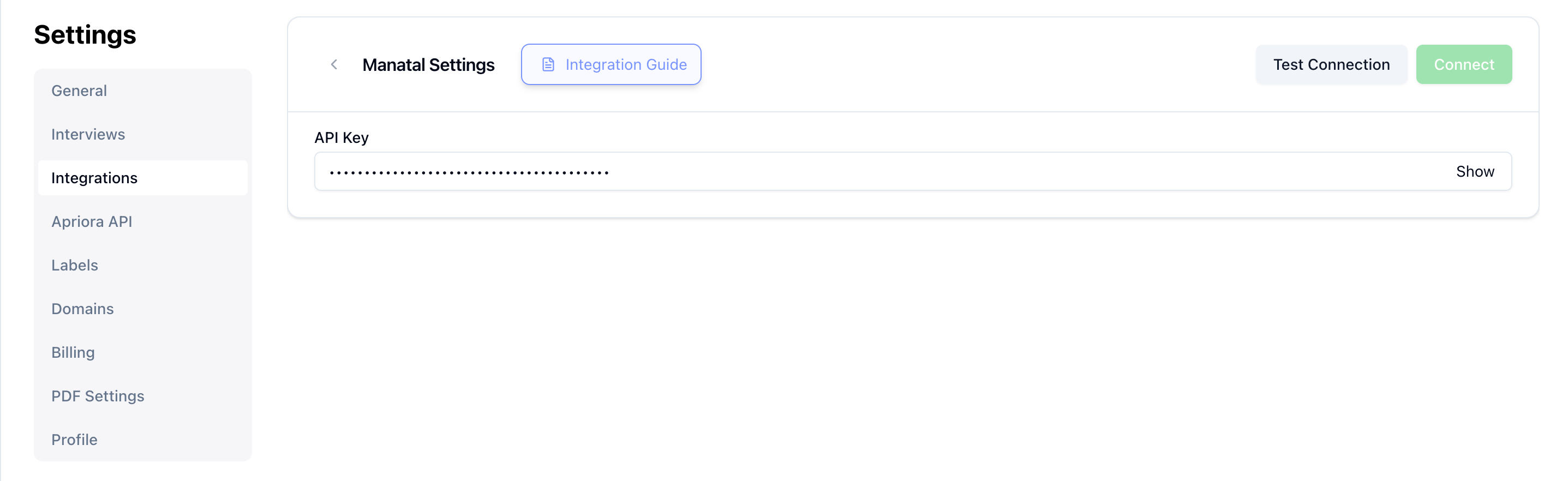
2. Automations
We also offer Automations- Invites: automatically invite candidates to take an Alex interview after they apply to a job that’s live within Manatal. Most clients turn on automatic invites.
- Interview Creation: some clients choose to automatically create Alex Interviews once they add a Job to Manatal. This approach is relevant for certain kinds of high volume / high turnover roles where speed is of the essence. However, we recommend getting comfortable with creating Alex Interviews before turning on automatic interview creation.