

Overview
Our Loxo integration automatically imports candidate and job records in Loxo to Alex and invites candidates to interviews. Below is a summary of what occurs during the process and what Loxo users can expect to see:Key Features of the Integration:
Automated Interview Generation
Alex will automatically generate an interview template for each job created in Loxo. Information from the job description will be used to generate the interview template.Automated Interview Invites
Alex will automatically send out email invites to all applicants, and handle all interview scheduling.Steps to Integrate:
1. Retrieve credentials
The first thing you need to do is send an email to your Loxo Support for them to create an API account. You can use the following template: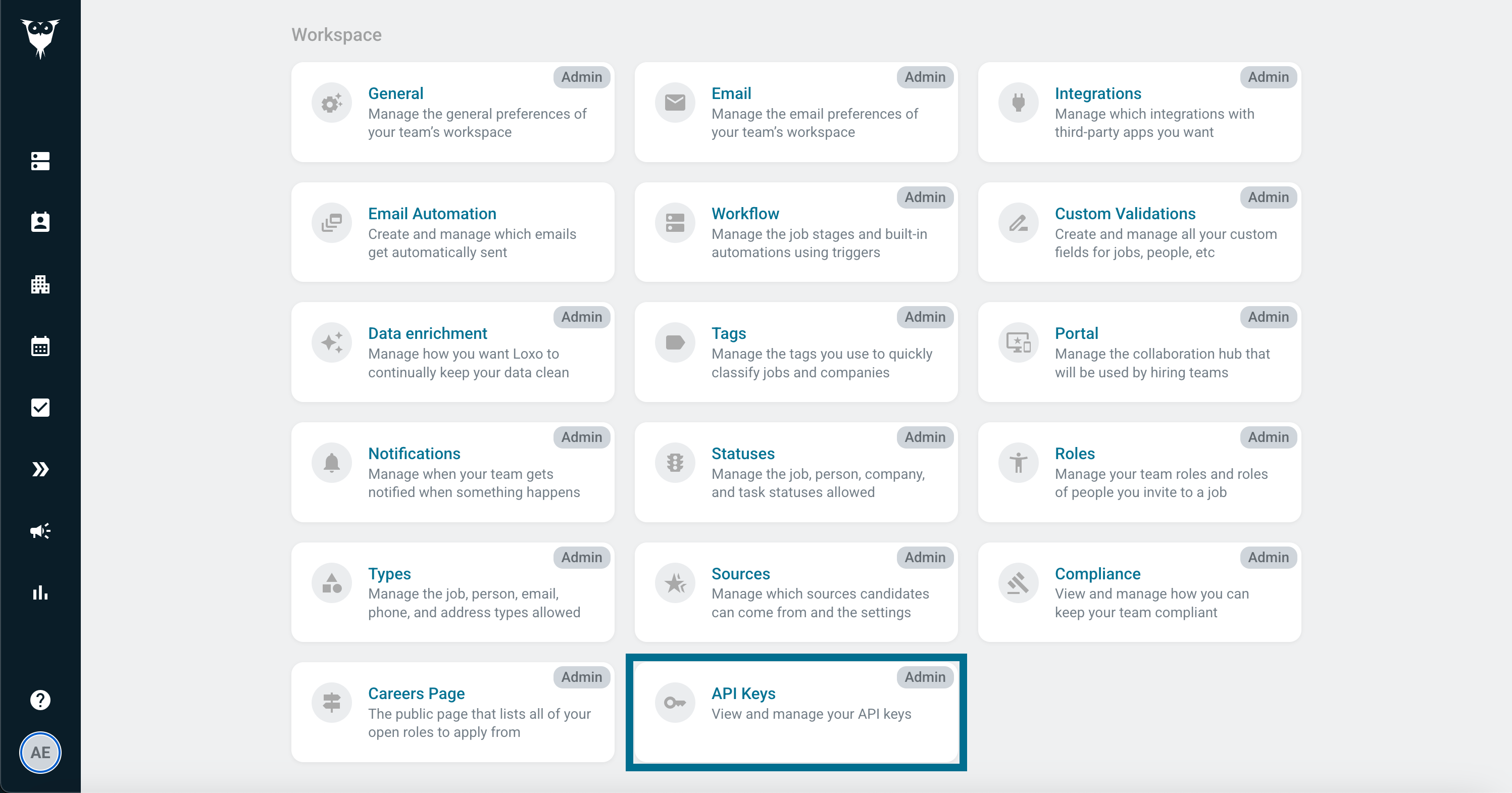
2. Enter credentials
Once you have these credentials, you can enter them in the Settings > Integrations > Loxo page in the Alex dashboard.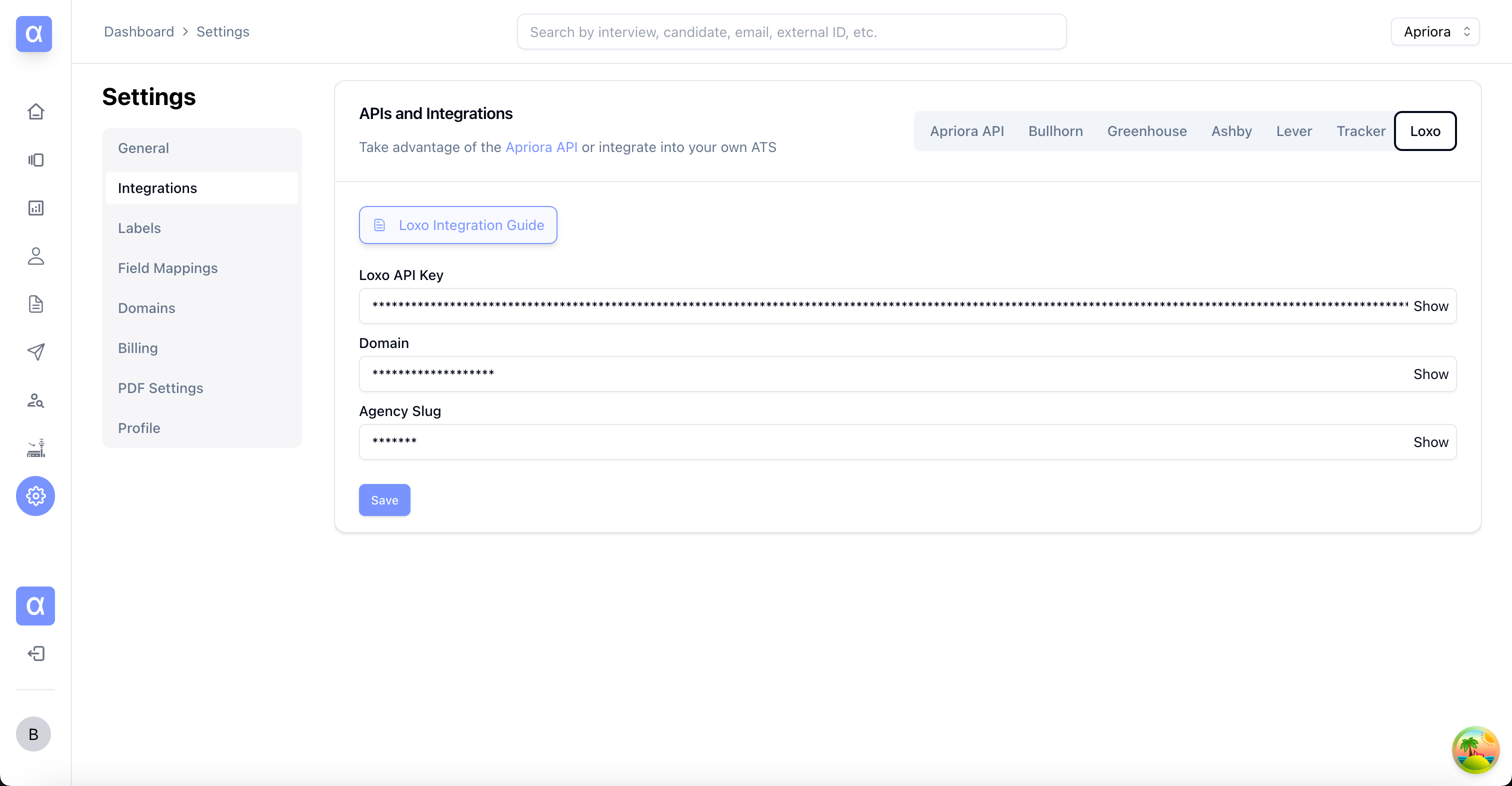
app.loxo.co.