

The status bar
The top of Settings → Inbox always says whether Alex is recording, and holds the one control for it: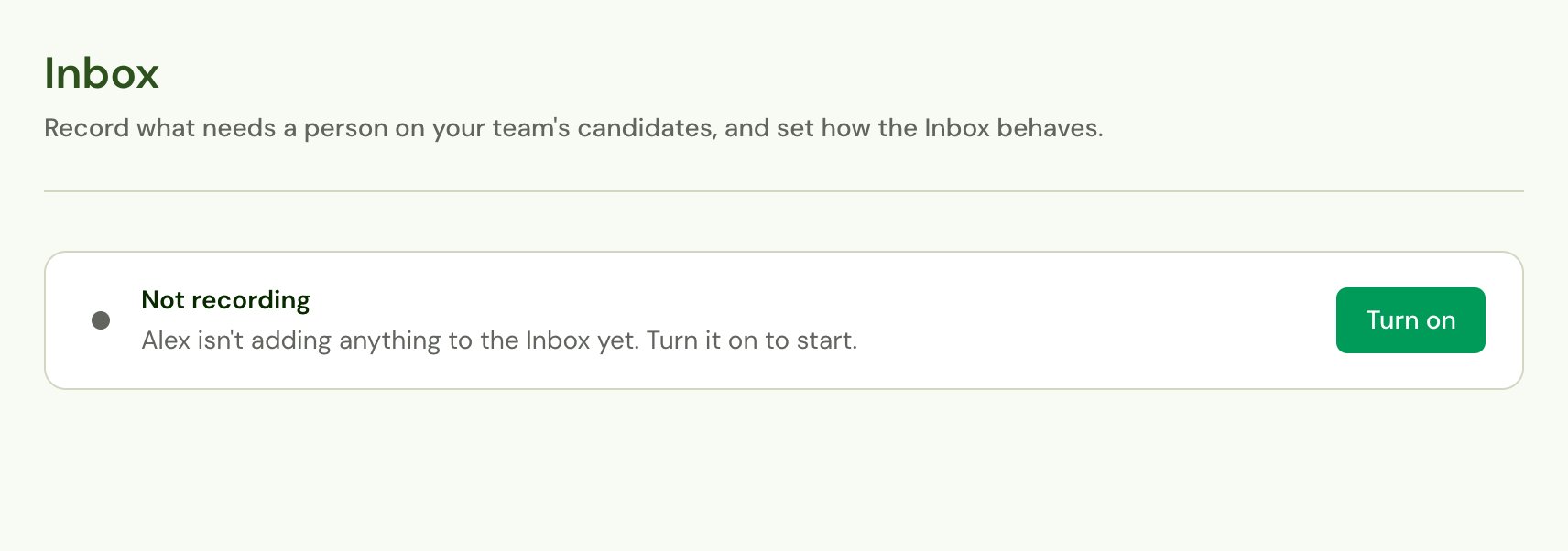
Turn recording on
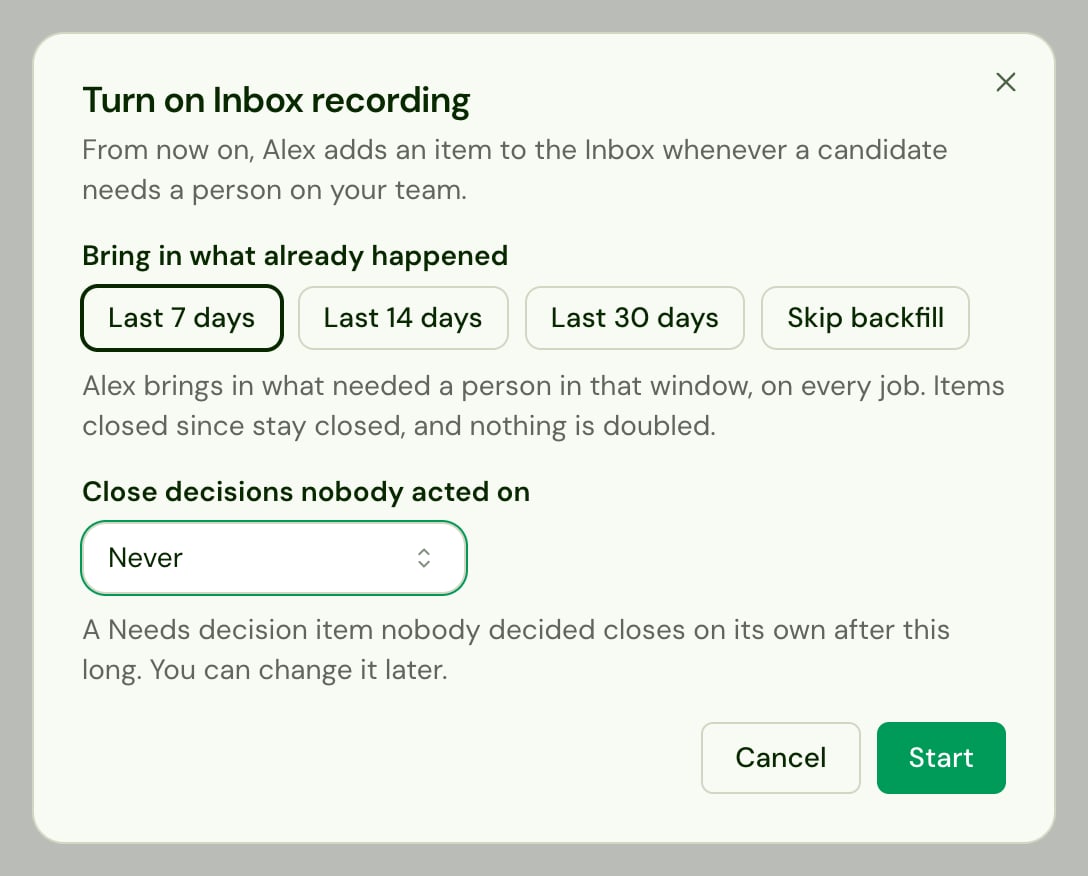
- Click Turn on.
- Under Bring in what already happened, choose Last 7 days, Last 14 days or Last 30 days, or Skip backfill to start from now.
- Under Close decisions nobody acted on, choose Never, or close an undecided candidate’s item after 7, 14 or 30 days.
- Click Start.
- Nothing is doubled. An item already in the Inbox is left as it is.
- Closed items stay closed. Anything handled since isn’t brought back.
- Answered asks are skipped. A request for a person or an unanswered question that someone has already written to the candidate about isn’t brought in.
- Old decisions are skipped when you close undecided candidates after a time limit: a Needs decision item older than that limit would close straight away.
- Text conversations’ questions aren’t brought in. Alex checks a quiet text conversation for questions as it happens, so only interviews’ questions come in from before recording started.
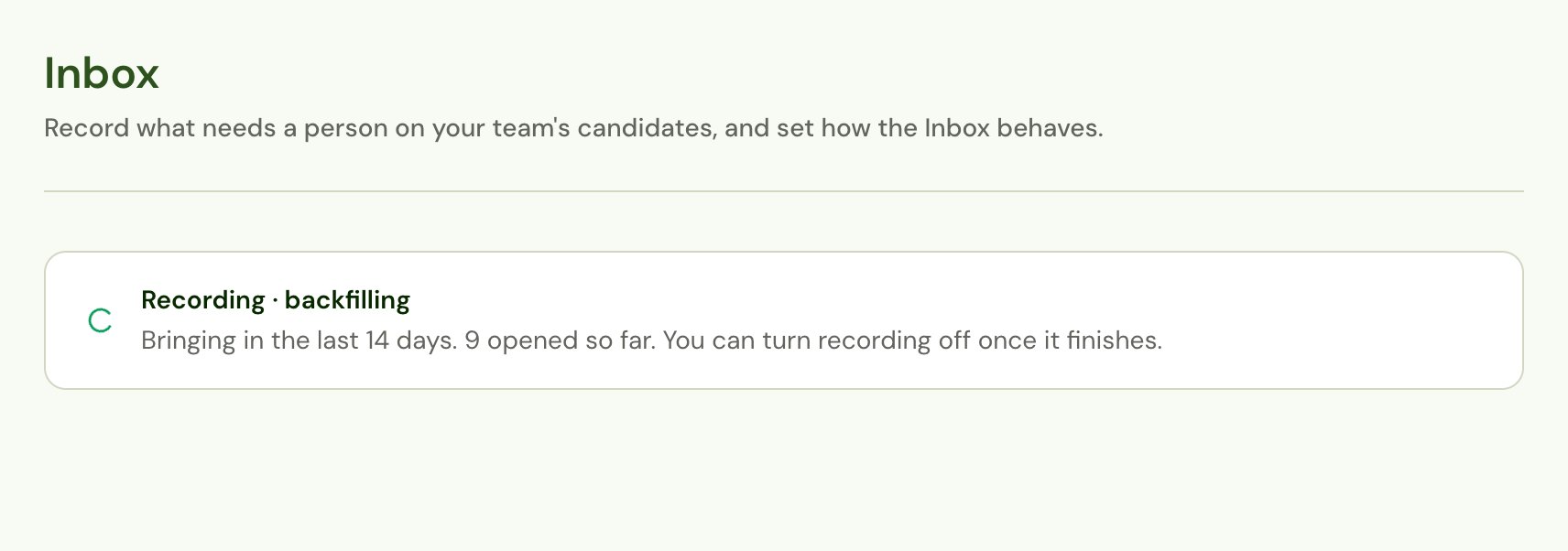
While recording
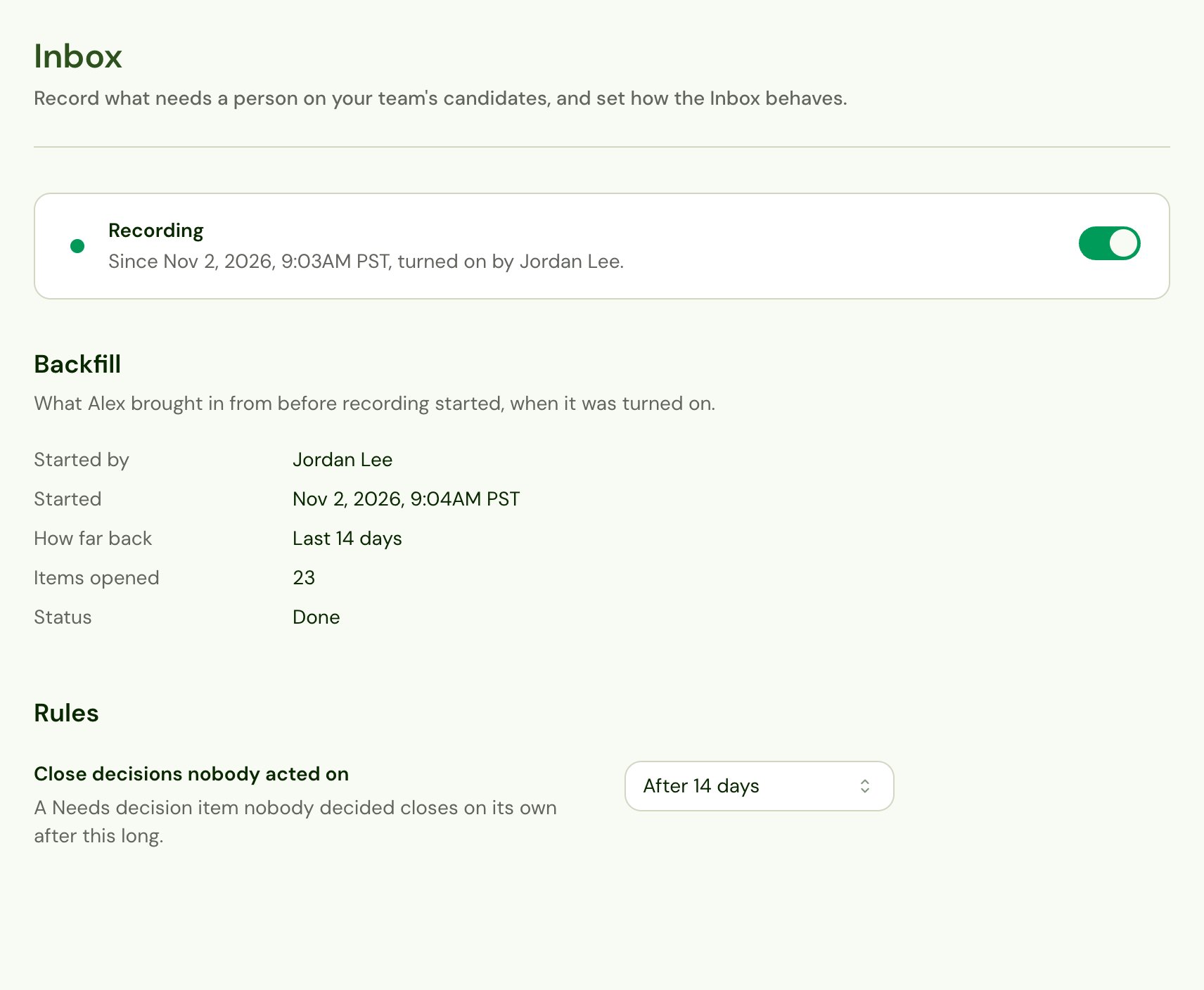
Once the backfill is done (or skipped), the page shows:- Backfill: who started it, when, how far back it reached, how many items it opened and how it ended; or Backfill skipped.
- Rules: Close decisions nobody acted on, which you can change at any time.
If the backfill fails or stops
If the backfill fails or stops before it finishes, the page says so, and anything it opened stays. Click Retry to run it again over the same window. It won’t double anything it already opened.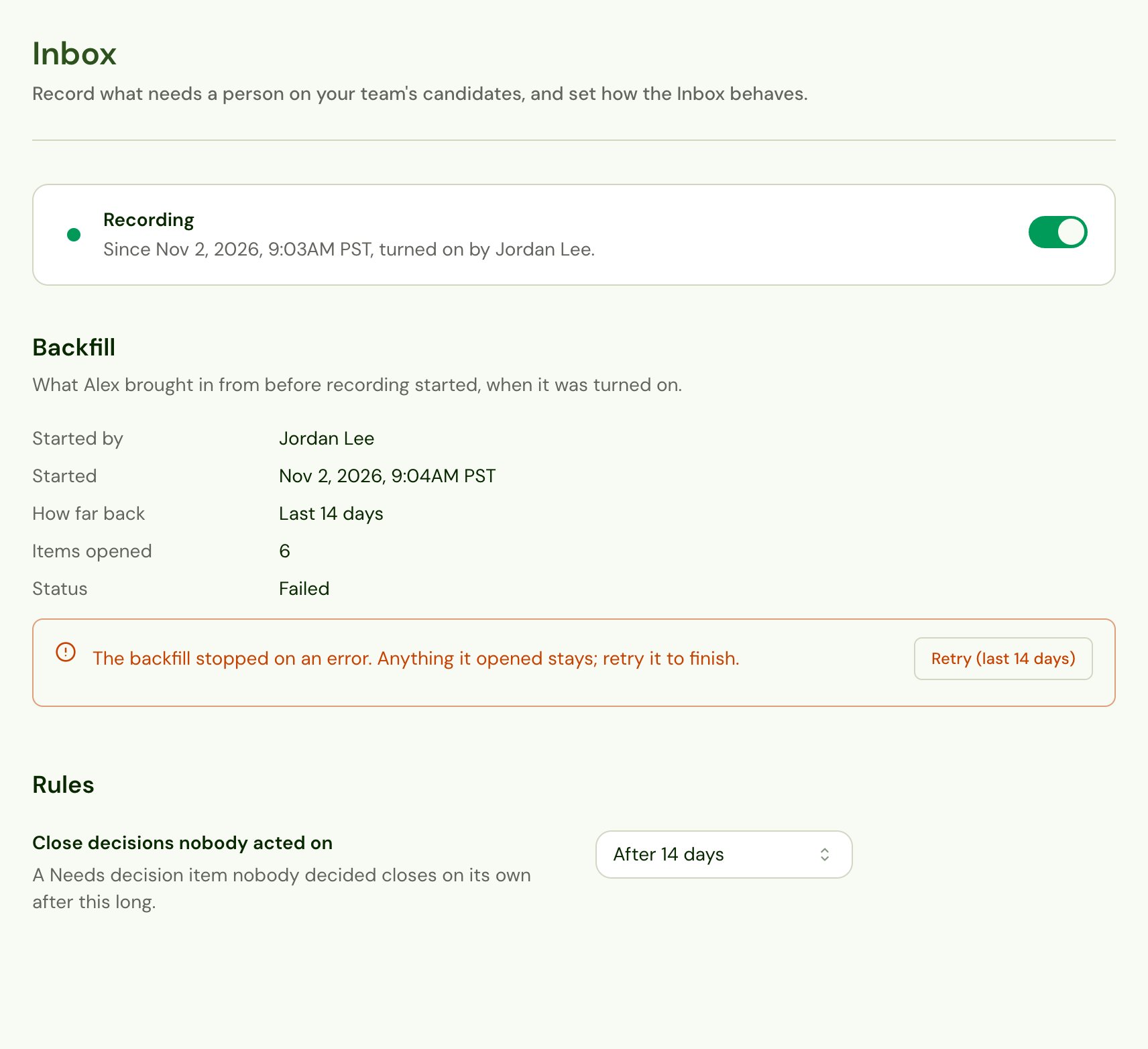
Close decisions nobody acted on
Closes a Needs decision item when nobody has decided within 7, 14 or 30 days of the candidate’s interview. The candidate stays undecided; the item shows as Closed with no decision in time. The default is Never.Turn recording off
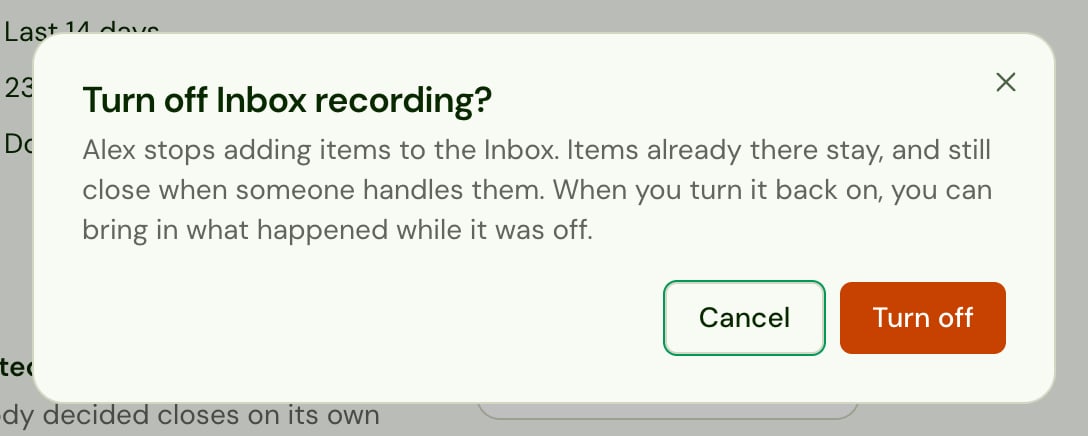
Click the switch in the status bar, then Turn off to confirm.- Alex stops adding items. Nothing new reaches the Inbox until it’s turned back on.
- Items already in the Inbox stay, and still close when someone handles them.
- Turning it back on opens the same dialog. The window starts at the one that reaches back to when recording was turned off, so you can bring in what happened while it was off. It won’t double anything that was already recorded.
Give people the Inbox
Recording fills the Inbox; a role permission decides who can open it and whose items they see. See Permissions.Have questions or feedback about the Inbox? Contact [email protected].