

The Inbox is in pilot. Your Alex team makes it available to your company, and an admin turns recording on in Settings → Inbox (see Set up the Inbox). If you don’t see Inbox in the sidebar, ask your admin whether your role includes it (see Permissions).
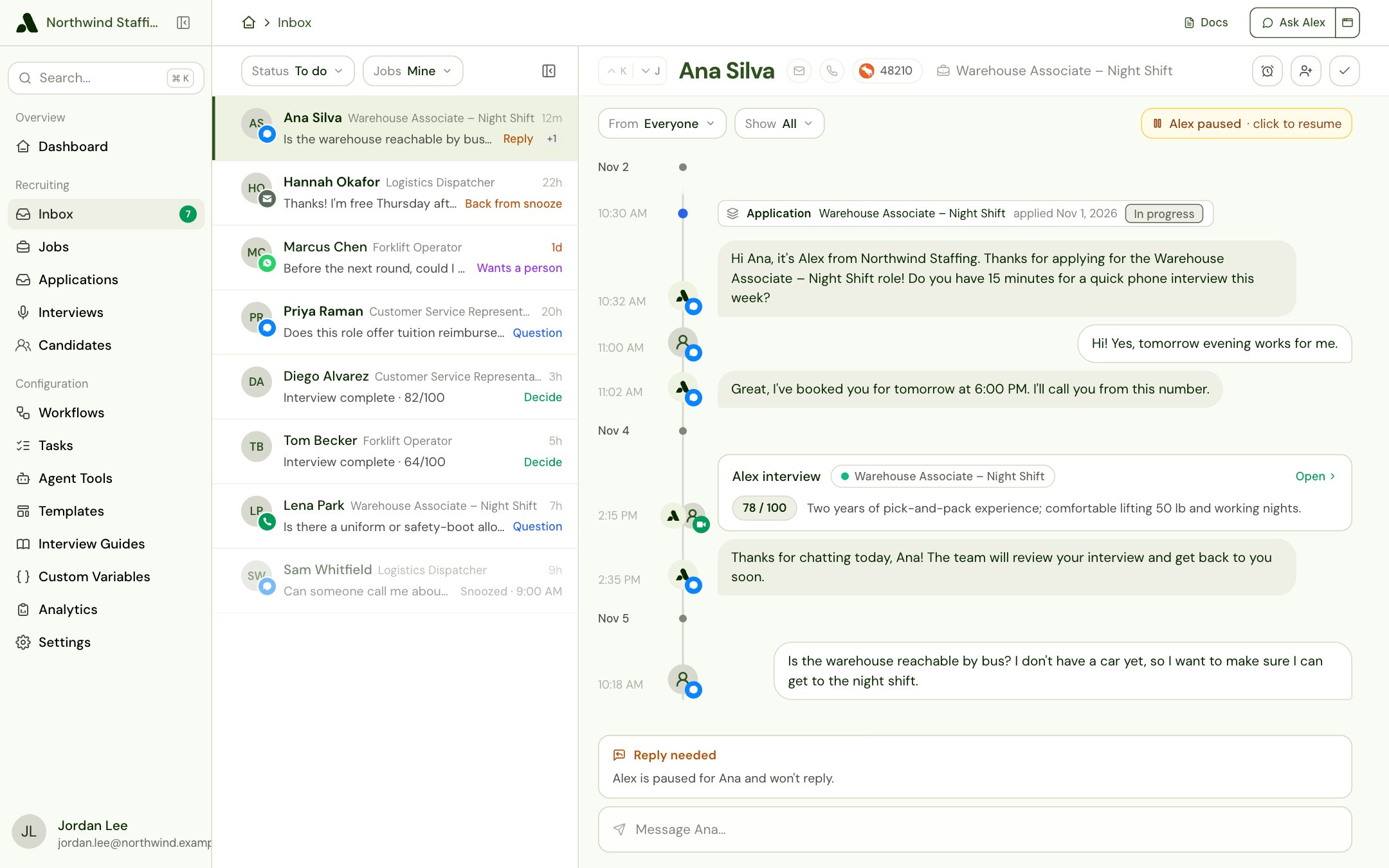
How the Inbox works
- Something happens that needs a person, such as a candidate replying while Alex is paused.
- While your company’s Inbox is recording, Alex adds an item for that candidate as soon as it notices.
- You open the item, see why it’s there, and act: reply, call, decide, or answer.
- The item closes, either because of what you did or because you Mark complete. It moves from To do to Done.
Your To do and Done
Everyone works the same items, but each person has their own To do and Done:- Closing an item closes it for everyone. When someone replies, decides or marks an item complete, it moves to everyone’s Done.
- Handing an item off moves it to your Done, labelled Handed off to and their name. It stays in everyone else’s To do, and lands in your teammate’s.
- Snoozing, reading and Mark To do are just for you. Nobody else’s list changes.
The six kinds of item
When a candidate has more than one item, the row leads with them in this order: Reply, Accommodation, Wants a person, Question, Decide, Follow up.
Item types covers each kind in full: what opens it, how to work it, and what closes it.
In this guide
Set up the Inbox
For admins: turn recording on, bring in what already happened, and set the rules.
Using your inbox
Mine and All, your To do and Done, snoozing, handing off and marking complete.
Item types
Reply needed, Asked for a person, Asked for an accommodation, Alex couldn’t answer, Needs decision and Follow up.
Permissions
Who can see their own items, who can see everyone’s, and what else they need.